
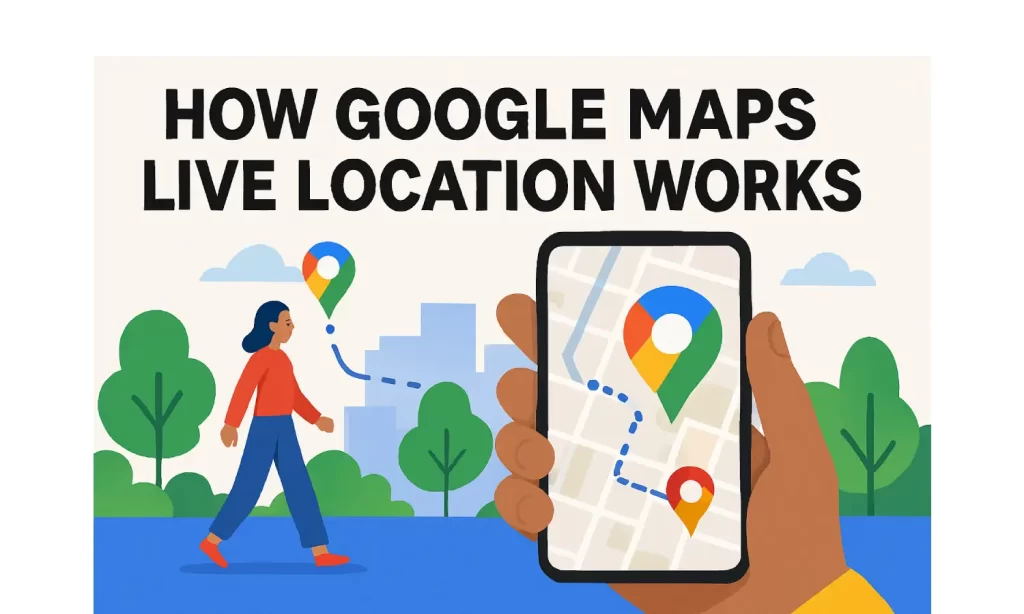
I think we’ve all been there — you’re trying to meet someone, and you’re stuck in that endless loop of:
“Where are you?” → “I’m here.” → “Where’s here?”
That’s exactly why I love the Google Maps Live Location feature. Instead of explaining your every turn, you just share your location, and the other person can watch you move on the map. It’s like magic… but it’s just smart technology.
What Exactly Is Google Maps?
Google Maps isn’t just for figuring out how to get from Point A to Point B anymore. Sure, it gives you directions, shows traffic, and even helps you find that tiny café tucked in a back alley — but over the years, it’s grown into a full travel companion.
For me, the live location feature is hands-down one of the most useful parts. I’ve used it to:
- Let my family know I’m safe on late-night cab rides.
- Coordinate with friends at festivals (no more “I’m near the red tent” nonsense).
- Share my train progress with someone waiting at the next station.
How the Google Maps Live Location Feature Works?
Sharing your location is super simple:
- Open Google Maps on your phone.
- Tap on your profile picture or the little blue dot that shows where you are.

- Select Location Sharing.
- Pick how long you want to share — 15 minutes, an hour, all day, or until you turn it off.
- Choose who gets to see you. If they’re not in your Google contacts, you can send them a link via WhatsApp, Messenger, or even a plain old text.
When you share, they’ll see:
- Your real-time position.
- Your ETA if you’re heading somewhere.
- Your battery percentage (handy when you’re almost out of juice).
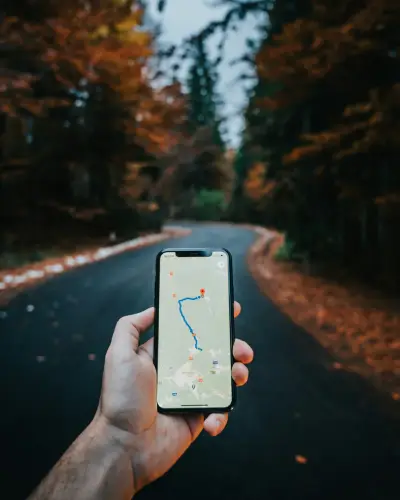
What’s New in Google Maps Live Location in 2025?
Google’s been quietly upgrading this feature, and here’s what’s different now:
- Share straight from Android settings: You can now skip opening the app entirely. Just go to:
Settings → Google → Location Services → Location Sharing. - Find My Device “People” tab: Your shared contacts now appear right alongside your lost devices in the Find My Device app.
- Lock screen updates on Android 16: If you’re on the latest Android beta, you can see live movement right from the lock screen, without draining your battery like before.
- Better privacy control: It’s easier to stop sharing with one person without affecting others, and you can instantly see who’s got access.
Also Read: How to Drop a Pin in Google Maps
Why I Use It (And You Should Too)?
Personally, I use live location sharing whenever I travel or meet people in busy areas. It’s not just about convenience — it’s about peace of mind.
I’ve had times when my phone battery was low, and I told my wife, “If my phone dies, at least you know exactly where I am.” That reassurance is priceless.
A Few Quick Tips Before You Share
- Only share with people you trust (obvious, but important).
- Set a time limit if you don’t need ongoing tracking.
- Remember to turn it off when you’re done — no need for your location to be public forever.
Final Thought
Google Maps’ live location isn’t just another tech gimmick – it’s one of those features that quietly makes life easier, safer, and a lot less stressful. Whether you’re navigating a road trip, heading to meet friends, or just making sure someone knows you got home safe, it’s one of the simplest ways to stay connected in real time.
FAQs
1. How do I share my live location on Google Maps?
Open Google Maps on your phone, tap your profile picture or the blue dot, select Location Sharing, choose the duration, and pick the contact or app to send the link.
2. Can I share my live location with someone who doesn’t have Google Maps?
Yes. If they don’t have Google Maps installed, they can still view your location through the link in any web browser.
3. How accurate is Google Maps live location?
Accuracy depends on GPS, Wi-Fi, and mobile data signals. In open areas, it can be accurate to within a few meters, while in dense urban areas or indoors, it may be slightly less precise.
4. How do I stop sharing my live location?
Open Google Maps, go to Location Sharing, and tap Stop next to the person or app you shared it with. You can stop sharing with everyone or specific contacts.
5. Does Google Maps live location drain battery quickly?
It uses extra battery because it relies on GPS and background data, but newer updates (like Android 16’s lock screen live updates) are designed to reduce power consumption while sharing location.
