
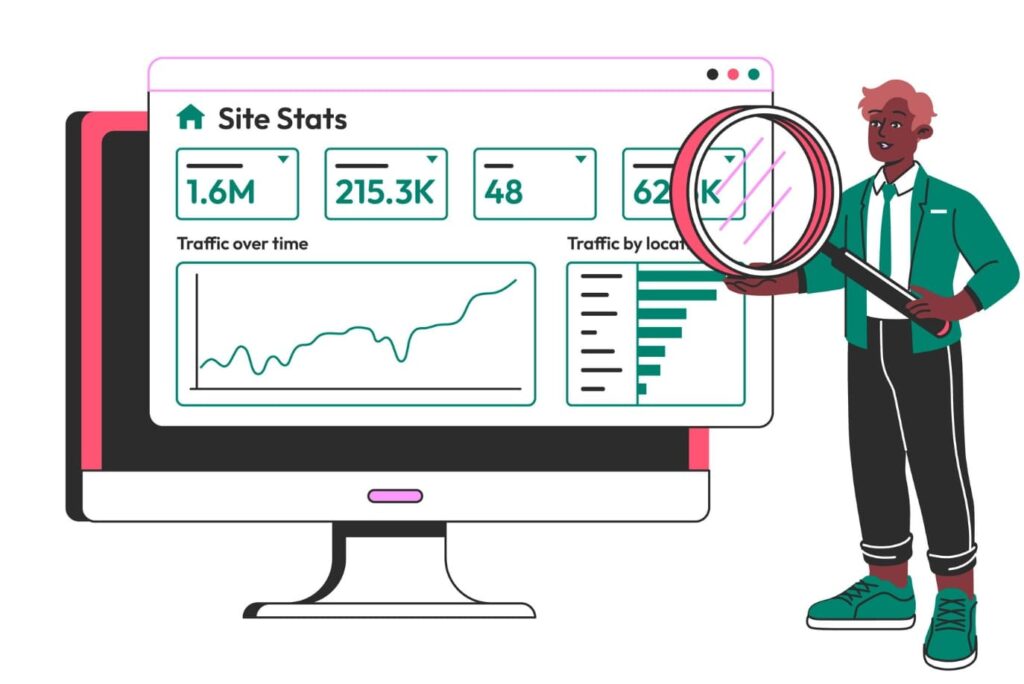
Running a business website without knowing your traffic is like driving with your eyes closed.
You might be moving forward, but you have no idea where you’re going or if you’re headed in the right direction.
Whether you’re a small business owner, a startup founder, or managing a company website, understanding how to check your business website traffic is crucial for making smart marketing decisions and growing your online presence.
Think of website traffic as the lifeblood of your online business. Every visitor represents a potential customer, and knowing where they come from, what they do on your site, and how long they stay gives you powerful insights.
Are people finding you through Google searches? Social media? Direct visits? This information helps you double down on what’s working and fix what isn’t.
Not sure which agency is right? Get a free quote from Local SEO Experts
The good news? You don’t need expensive software or a marketing degree to start tracking your website performance.
There are fantastic website traffic checker free tools that give you professional-level insights without breaking the bank.
How to Check Your Business Website Traffic?
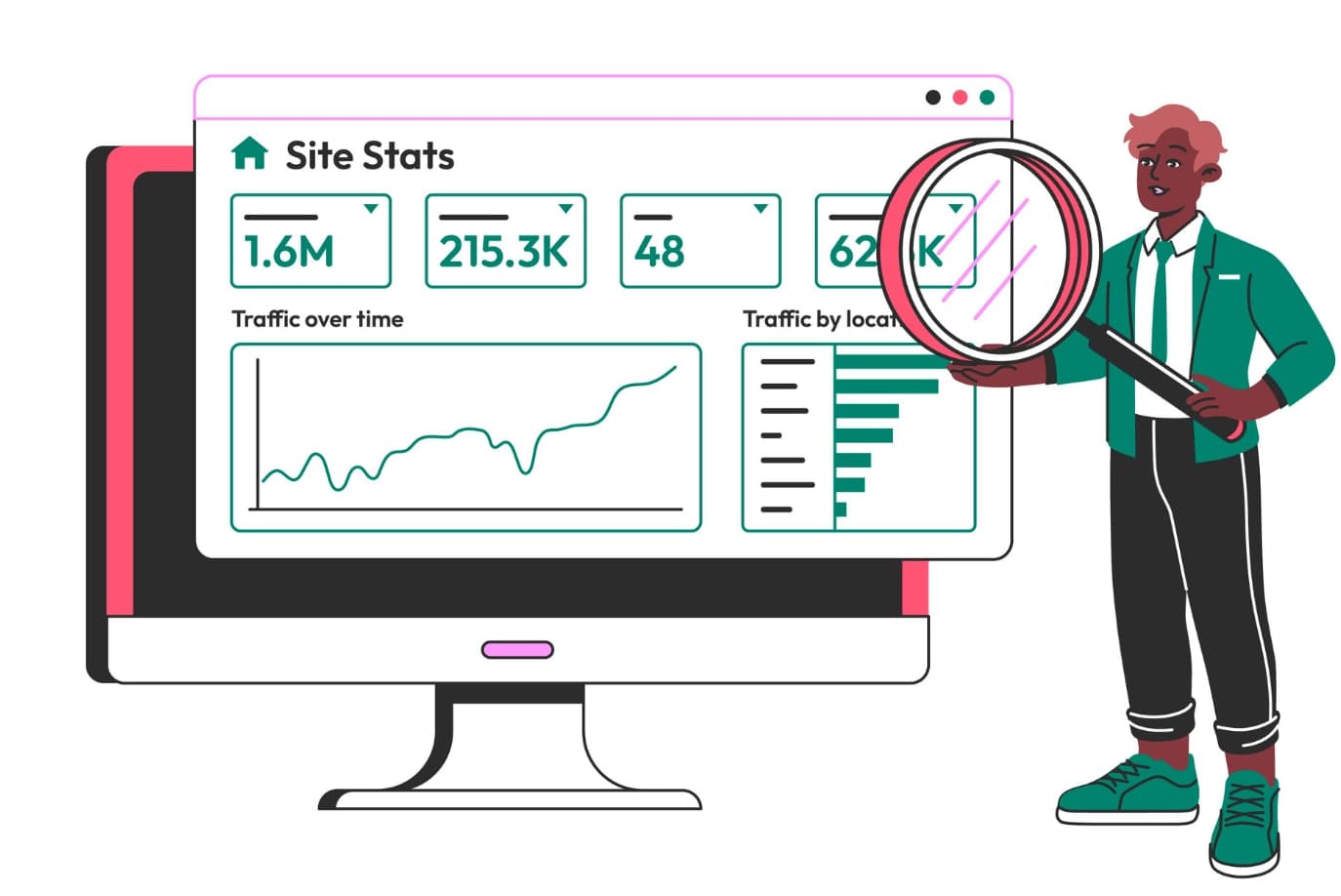
Today, we’ll walk through the top 5 free ways to monitor your site’s performance, understand your visitors, and make data-driven decisions that move the needle for your business.
Google Analytics: The Gold Standard for Website Traffic Analysis
Google Analytics is like having a crystal ball for your website. It’s the most comprehensive small business analytics tool available, and best of all, it’s completely free. Think of it as your website’s detective, tracking every visitor’s journey from the moment they land on your site until they leave.
Here’s what makes Google Analytics special for business owners:
- Traffic Sources: See exactly where your visitors come from – Google searches, social media, email campaigns, or direct visits
- User Behavior: Understand which pages keep people engaged and which ones make them bounce
- Real-time Data: Watch visitors browse your site as it happens
- Goal Tracking: Set up conversions to track when visitors become customers
- Mobile vs Desktop: Know how your audience prefers to browse
Key Terms Made Simple:
- Sessions: A single visit to your website (like one shopping trip to a store)
- Bounce Rate: The percentage of people who leave after viewing just one page
- Organic Traffic: Visitors who found you through search engines like Google
Google Analytics shows you google analytics traffic patterns that reveal your busiest days, most popular content, and which marketing efforts drive results. It’s perfect for beginners because the main dashboard gives you the big picture without overwhelming technical details.
Best for: Any business serious about understanding its website performance. The learning curve is worth it for the insights you’ll gain.
Google Search Console: Your SEO Performance Hub
If Google Analytics tells you what happens on your website, Google Search Console shows you what happens before people even click. This free tool is essential for understanding your search console traffic sources and how your site performs in Google search results.
Search Console is like having a direct line to Google, showing you exactly how the search engine sees your website:
- Search Performance: See which keywords bring you traffic and where you rank
- Click-Through Rates: Discover which search results people click on
- Indexing Status: Make sure Google can find and understand all your pages
- Core Web Vitals: Monitor your site’s loading speed and user experience
- Security Issues: Get alerts about any problems that might hurt your rankings
The beauty of Search Console is that it focuses specifically on search traffic – often the most valuable type of visitors since they’re actively looking for what you offer. You can see which search terms bring you the most visitors and identify opportunities to rank for new keywords.
Real-World Example: A local bakery might discover they rank well for “birthday cakes” but poorly for “wedding cakes,” revealing an opportunity to create more wedding-focused content.
Best for: Anyone who wants customers to find them through Google searches. Essential for local businesses and content creators.
SimilarWeb: Spy on Your Competition (Legally!)
SimilarWeb is like having X-ray vision for websites. While the paid version offers more features, the free tool gives you surprisingly detailed insights about any website’s traffic, including your competitors’.
This makes it perfect for similarweb traffic check activities and competitive research.
Here’s what you can discover with SimilarWeb’s free version:
- Traffic Estimates: See roughly how many visitors any website gets monthly
- Traffic Sources: Understand if competitors get traffic from search, social, or direct visits
- Top Pages: Discover which content performs best for your competition
- Audience Overlap: Find websites that share your target audience
- Geographic Data: See which countries your traffic comes from
SimilarWeb is particularly valuable for understanding your market position.
Maybe you think you’re doing poorly with 5,000 monthly visitors, but if your main competitor only gets 3,000, you’re winning!
Or perhaps you’ll discover a competitor getting 50,000 visitors from Pinterest while you’re ignoring the platform entirely.
Competitive Intelligence Tip: Use SimilarWeb to research 3-5 competitors every month. Look for traffic patterns, successful content topics, and untapped traffic sources you could explore.
Best for: Business owners who want to understand their competitive landscape and find new traffic opportunities by studying successful competitors.
Ubersuggest: SEO Insights Made Simple
Created by marketing expert Neil Patel, Ubersuggest combines the best aspects of traffic analysis with keyword research. The free version gives you solid insights without requiring advanced SEO knowledge, making it perfect for small business owners who want actionable data.
Ubersuggest excels at showing you the connection between keywords and traffic:
- Organic Keywords: See which search terms bring your site traffic
- Content Ideas: Discover topics your audience searches for
- Backlink Analysis: Understand which websites link to yours (and your competitors’)
- Site Audit: Get a simple health score for your website’s SEO
- Traffic Overview: Basic metrics about your site’s performance
What makes Ubersuggest special is its focus on actionable insights. Instead of drowning you in data, it highlights specific opportunities to improve your traffic. The tool might suggest creating content about topics your competitors rank for but you don’t, or show you easy keyword opportunities you’re missing.
Practical Example: A fitness trainer might discover they could easily rank for “home workout routines” because there’s decent search volume but low competition.
Best for: Small business owners who want to improve their search engine rankings and find new content opportunities without getting overwhelmed by technical SEO details.
Jetpack or Site Kit by Google: WordPress Made Easy
If your business website runs on WordPress (which powers about 40% of all websites), you have two excellent options for tracking traffic without leaving your dashboard. Both Jetpack and Site Kit by Google bring professional analytics directly into your WordPress admin area.
Jetpack Stats offers clean, simple analytics perfect for small businesses:
- Simple Dashboard: See your traffic trends at a glance
- Top Posts: Discover which content your audience loves most
- Referrer Tracking: Understand where your traffic comes from
- Search Terms: See what people searched for to find your site
- Mobile-Friendly: Check your stats on any device
Site Kit by Google connects multiple Google tools in one place:
- Google Analytics Integration: View your analytics data in WordPress
- Search Console Data: Monitor your search performance
- PageSpeed Insights: Check your site’s loading speed
- AdSense Integration: Track ad performance if you monetize your site
Both tools eliminate the need to log into separate analytics platforms. You can check your traffic while updating your website, making it much more likely you’ll use the data to make improvements.
WordPress Tip: Start with Jetpack if you want simplicity, or choose Site Kit if you’re already using other Google tools and want everything connected.
Best for: WordPress users who want traffic insights without the complexity of switching between different analytics platforms.
Understanding What Your Traffic Data Actually Means
Now that you know how to check your website traffic, let’s talk about what constitutes “good traffic” for your business. It’s not just about the numbers – it’s about the quality and behavior of your visitors.
Quality over Quantity: A thousand visitors who leave immediately aren’t as valuable as a hundred visitors who browse multiple pages and contact you. Focus on metrics like:
- Average Session Duration: How long people stay on your site
- Pages Per Session: How many pages visitors explore
- Conversion Rate: What percentage of visitors take action (buy, sign up, contact you)
- Return Visitors: How many people come back to your site
Traffic Source Diversity: Healthy websites get visitors from multiple sources. Aim for a mix of:
- Organic search (30-50% of traffic)
- Direct visits (20-30% – people typing your URL or bookmarking your site)
- Referral traffic (10-20% – other websites linking to you)
- Social media (5-15% depending on your strategy)
Seasonal Patterns: Most businesses have natural traffic fluctuations. A pool cleaning service will see more traffic in spring and summer, while a tax preparation business peaks in early spring. Understanding your patterns helps you plan content and marketing campaigns.
Taking Action on Your Traffic Data
Having traffic data is only valuable if you use it to make improvements. Here’s how to turn insights into action:
- Weekly Review Habit: Spend 15 minutes every Monday reviewing your traffic from the previous week. Look for unusual spikes or drops and try to understand what caused them.
- Content Strategy: Use your traffic data to guide content creation. If blog posts about “small business marketing tips” drive the most traffic, create more content on that topic.
- Technical Improvements: If you notice high bounce rates on mobile devices, it might be time to improve your site’s mobile experience.
- Marketing ROI: Track which marketing efforts actually drive traffic and conversions. If your Facebook ads aren’t bringing quality visitors, maybe shift that budget to Google Ads or content creation.
Remember, the goal isn’t just to increase traffic – it’s to attract the right visitors who will become customers. A local restaurant owner should care more about attracting nearby food lovers than random visitors from across the country.
Your Next Steps to Better Website Traffic
Understanding your website traffic is the foundation of successful online marketing.
Start with one tool that feels manageable – Google Analytics if you want comprehensive data, or Jetpack if you prefer simplicity.
Once you’re comfortable checking your stats regularly, add a second tool to get different perspectives on your performance.
The most successful business owners are those who make data-driven decisions rather than guessing what might work.
Your website traffic data tells a story about your customers’ needs, preferences, and behaviors.
By learning to read this story, you’ll make smarter marketing decisions and grow your business more effectively.
Don’t expect overnight changes – website traffic growth is a marathon, not a sprint.
But with consistent monitoring and gradual improvements, you’ll see your visitor numbers and, more importantly, your business results improve over time.
Want pro-level insights? Let us audit your traffic sources.
